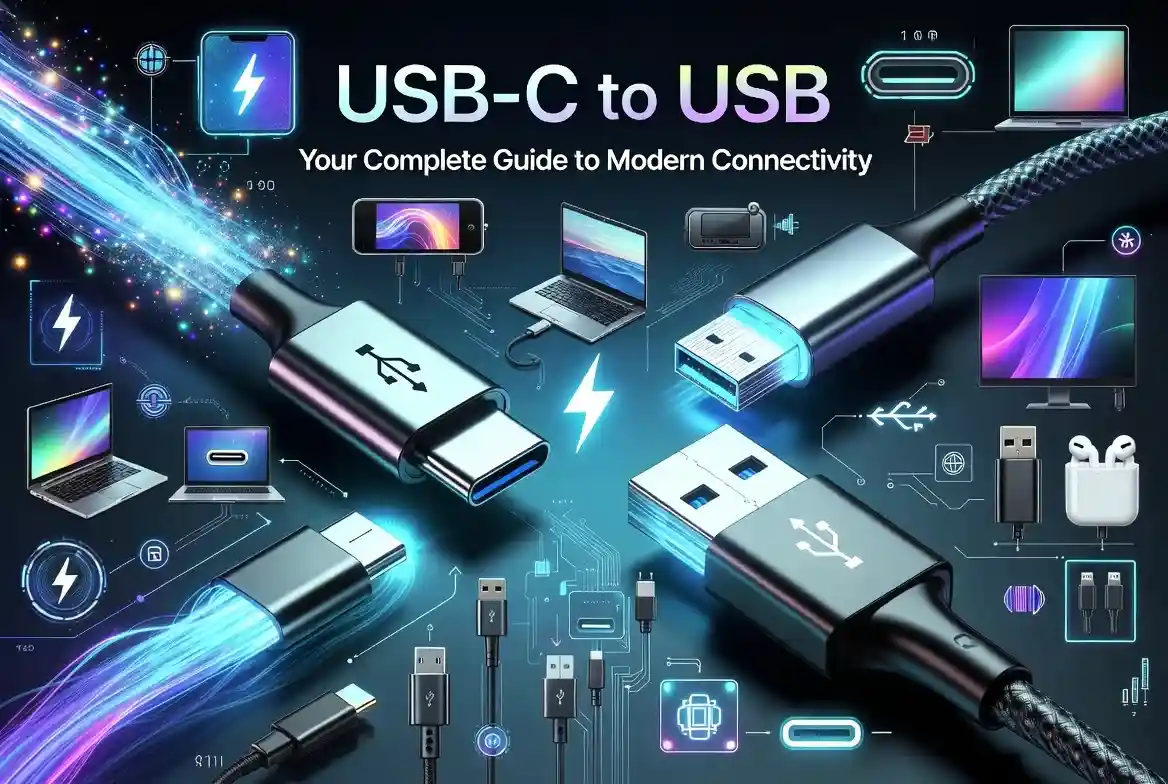
USB-C to USB: Your Complete Guide to Modern Connectivity
Struggling with incompatible devices when your laptop only has USB-C ports but your accessories use traditional USB? This connectivity challenge affects millions of users daily as technology transitions between standards. Modern devices increasingly adopt USB-C while legacy peripherals remain stuck with older USB formats, creating a frustrating gap in your digital workflow.
Understanding USB-C to USB Technology
USB-C to USB connectivity represents the bridge between modern and legacy technology standards. This technology enables seamless communication between newer devices featuring USB-C ports and older peripherals using traditional USB-A connections.
The fundamental difference lies in the physical connector design and data transfer capabilities. USB-C connectors feature a reversible, oval-shaped design that supports multiple protocols, while traditional USB-A connectors use the familiar rectangular format with directional insertion requirements.
Types of USB-C to USB Connections
USB-C to USB-A Adapters
These compact adapters convert USB-C ports to accept traditional USB-A devices. They maintain backward compatibility while preserving the original device’s power and data specifications. Most adapters support USB 2.0 and USB 3.0 standards with varying transfer speeds.
USB-C to USB-A Cables
Direct cable solutions eliminate the need for separate adapters by incorporating both connector types. These cables typically range from 3 feet to 10 feet in length and support different power delivery specifications based on their internal wiring.
USB-C to USB-B Connections
Professional equipment often requires USB-B connections for printers, scanners, and audio interfaces. Specialized adapters and cables facilitate these connections while maintaining professional-grade signal integrity.
Micro USB to USB-C Solutions
Modern USB-C devices can be connected to older Micro USB smartphones and tablets using specialized adapters that manage the voltage and pin configuration variances between these standards.
Speed and Performance Specifications
| Connection Type | Maximum Speed | Power Delivery | Compatibility |
| USB-C to USB 2.0 | 480 Mbps | 5V/1A | Universal |
| USB-C to USB 3.0 | 5 Gbps | 5V/3A | Most devices |
| USB-C to USB 3.1 | 10 Gbps | 20V/5A | Limited devices |
| USB-C to USB 3.2 | 20 Gbps | 20V/5A | Latest devices |
Device Compatibility Guidelines
Modern laptops from Apple, Dell, Lenovo, and HP predominantly feature USB-C ports as primary connectivity options. These devices require USB-C to USB adapters for connecting traditional peripherals like keyboards, mice, external drives, and printers.
Smartphones including Samsung Galaxy series, Google Pixel devices, and recent iPhone models utilize USB-C for charging and data transfer. Connecting these devices to computers with traditional USB-A ports requires appropriate cable solutions.
Gaming consoles, tablets, and professional audio equipment often maintain USB-A compatibility, making USB-C to USB adapters essential for modern device integration.
Choosing the Right USB-C to USB Solution
Consider your primary use case when selecting USB-C to USB solutions. Data transfer requirements determine whether USB 2.0 speeds suffice or if USB 3.0+ performance becomes necessary for large file transfers.
Power delivery needs vary significantly between devices. Simple peripherals like keyboards require minimal power, while external hard drives and charging applications demand higher wattage capabilities.
Build quality affects long-term reliability and signal integrity. Premium materials like gold-plated connectors and reinforced cable jackets prevent connection degradation over time.
Installation and Setup Process
Physical Connection Steps
Connect the USB-C end to your modern device’s USB-C port, ensuring proper orientation if using non-reversible designs. Insert the USB-A end into your peripheral device, maintaining gentle pressure to avoid connector damage.
Driver Recognition
Most USB-C to USB connections work automatically through plug-and-play functionality. Windows, macOS, and Linux operating systems typically recognize standard connections without additional driver installation.
Troubleshooting Initial Setup
Verify power delivery compatibility if devices fail to recognize connections. Some high-power peripherals require dedicated power sources beyond what USB-C to USB adapters provide.
Power Delivery and Charging Capabilities
USB-C to USB connections support various power delivery specifications depending on the adapter or cable design. Basic adapters typically support 5V/1A output suitable for low-power devices like keyboards and mice.
Advanced solutions provide 5V/3A or higher output for powering external drives, charging smartphones, and supporting power-hungry peripherals. Always verify power requirements before connecting devices to prevent potential damage.
USB Power Delivery (USB PD) protocols enable intelligent power negotiation between devices, automatically adjusting voltage and current based on device requirements and adapter capabilities.
Common Use Cases and Applications
Office and Productivity Setup
Modern laptops with USB-C ports connect to traditional office peripherals through USB-C to USB adapters. This includes printers, scanners, external keyboards, mice, and legacy monitors with USB connectivity.
Data Transfer and Storage
External hard drives and USB flash drives using traditional USB-A connectors require USB-C to USB cables or adapters for connection to modern devices. Transfer speeds depend on the adapter’s USB generation support.
Audio and Video Equipment
Professional audio interfaces, MIDI keyboards, and video capture devices often utilize USB-B or USB-A connections. USB-C to USB solutions enable integration with modern laptops and tablets for content creation workflows.
Gaming and Entertainment
Gaming peripherals including controllers, headsets, and external storage devices typically use USB-A connections. USB-C to USB adapters allow connection to modern gaming laptops and portable devices.
Troubleshooting Connection Issues
Device Recognition Problems
Restart both devices when connection recognition fails. Verify the USB-C to USB adapter supports the required USB generation for your specific peripheral device.
Power-Related Issues
When devices do not get enough power, check the power delivery specifications. High-power devices may require USB-C to USB solutions with dedicated power delivery capabilities or external power sources.
Data Transfer Speed Problems
Verify USB generation compatibility between all connection components. Mixed USB generations default to the lowest common denominator, potentially limiting transfer speeds below expectations.
Intermittent Connection Loss
Inspect connector quality and cable integrity for signs of wear or damage. Poor connections often result from worn connectors or inadequate cable shielding affecting signal integrity.
Quality and Durability Factors
Premium USB-C to USB solutions feature gold-plated connectors that resist corrosion and maintain signal integrity over thousands of connection cycles. These substances stop oxidation, which eventually deteriorates connection quality.
Cable construction significantly impacts durability and performance. Multi-strand copper conductors with proper shielding maintain signal integrity while flexible outer jackets prevent cable damage during regular use.
Strain relief mechanisms at connector points prevent cable failure from repeated bending stress. Quality adapters incorporate reinforced connection points that extend operational lifespan significantly.
Security and Data Protection
USB-C to USB connections maintain the security protocols of connected devices without introducing additional vulnerabilities. However, verify adapter authenticity to prevent potential security risks from counterfeit products.
Data encryption capabilities depend on the connected devices rather than the USB-C to USB adapter itself. Encrypted storage devices maintain their protection regardless of connection method.
Physical security considerations include preventing unauthorized access to devices through USB-C to USB connections. Secure environments may require specific adapter types with authentication features.
Cost Considerations and Value
Basic USB-C to USB adapters range from $5 to $15 for standard functionality, while premium solutions with enhanced power delivery and build quality cost $20 to $50. Consider long-term usage requirements when evaluating price points.
Multi-port USB-C hubs incorporating USB-A ports provide better value for users requiring multiple connections. These solutions typically cost $30 to $100 depending on port count and additional features.
Professional-grade USB-C to USB solutions justify higher costs through enhanced reliability, extended warranties, and certified performance specifications required for critical applications.
Future-Proofing Your Setup
USB-C adoption continues accelerating across device categories, making USB-C to USB adapters increasingly important for legacy device support. Invest in quality solutions that support current and emerging USB standards.
Consider USB-C hubs with multiple connection types for maximum flexibility as device ecosystems evolve. These solutions provide USB-A, HDMI, and additional USB-C ports through single connections.
Plan for eventual device upgrades by choosing USB-C to USB solutions supporting higher power delivery and faster data transfer specifications than current requirements demand.
Frequently Asked Questions
What is the main difference between USB-C to USB adapters and cables?
Adapters provide compact connectivity conversion while cables offer integrated solutions without separate components. Adapters work with existing cables, while integrated cables eliminate connection points that might affect reliability.
Can USB-C to USB connections damage my devices?
Quality USB-C to USB solutions include protection circuits preventing damage from power surges or incorrect connections. Avoid uncertified products that may lack proper safety features and potentially damage connected devices.
Do USB-C to USB adapters support fast charging?
Charging capability depends on the adapter’s power delivery specifications and connected device requirements. While specialist charging adapters offer higher wattage for fast charging compatibility, standard adapters usually support basic charging.
Why don’t some devices work with USB-C to USB adapters?
Device compatibility issues often stem from power requirements exceeding adapter capabilities or proprietary protocols not supported by standard USB-C to USB solutions. Verify specifications before purchasing adapters.
How do I choose between different USB-C to USB adapter types?
Consider your primary use case, required transfer speeds, power delivery needs, and build quality requirements. Match adapter specifications to your most demanding device requirements for optimal compatibility.
Are expensive USB-C to USB adapters worth the extra cost?
Premium adapters provide better build quality, enhanced durability, improved signal integrity, and longer warranties. Professional users and frequent travelers benefit from higher-quality solutions despite increased cost.
Making the Right Connection Choice
USB-C to USB connectivity bridges the gap between modern and legacy technology, enabling continued use of existing peripherals with newer devices. Understanding compatibility requirements, performance specifications, and quality factors ensures optimal connection solutions for your specific needs.
Quality adapters and cables provide reliable, long-term connectivity while maintaining device performance and safety. Invest in certified solutions from reputable manufacturers to protect your devices and ensure consistent operation.
Ready to upgrade your connectivity setup? Research specific device requirements and choose USB-C to USB solutions that match your performance needs and budget considerations for seamless device integration.